Widgets and Controls
Start the radio from the Home Screen, Lock Screen, StandBy, Control Center, or the Action button.
261 stations, from RMF FM, Radio ZET, and Trójka to student radio and small local broadcasters. Pause and rewind live radio, see what’s playing, and wake up to your favorite station, in Warsaw, Chicago, or London.
iPhone · iPad · CarPlay · Apple TV · In English and Polish
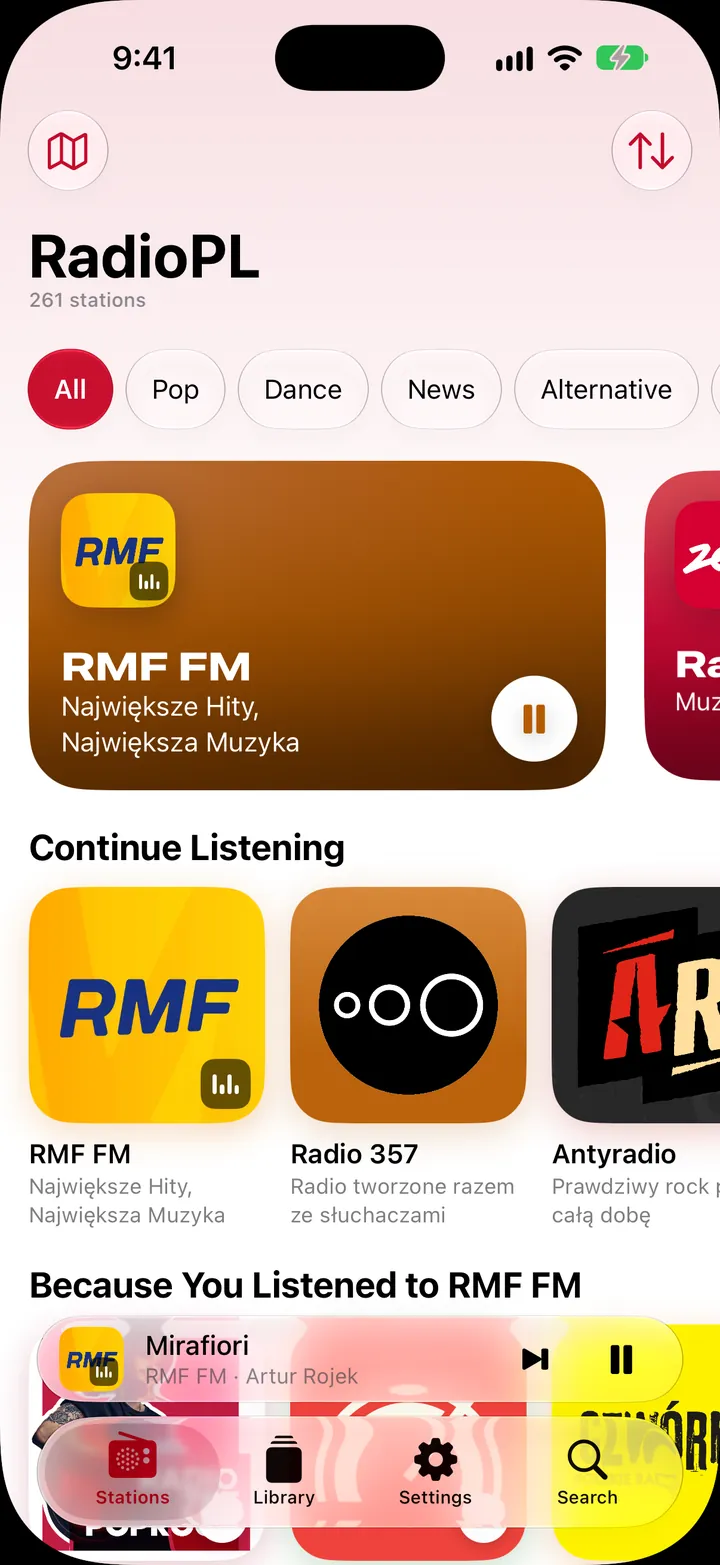
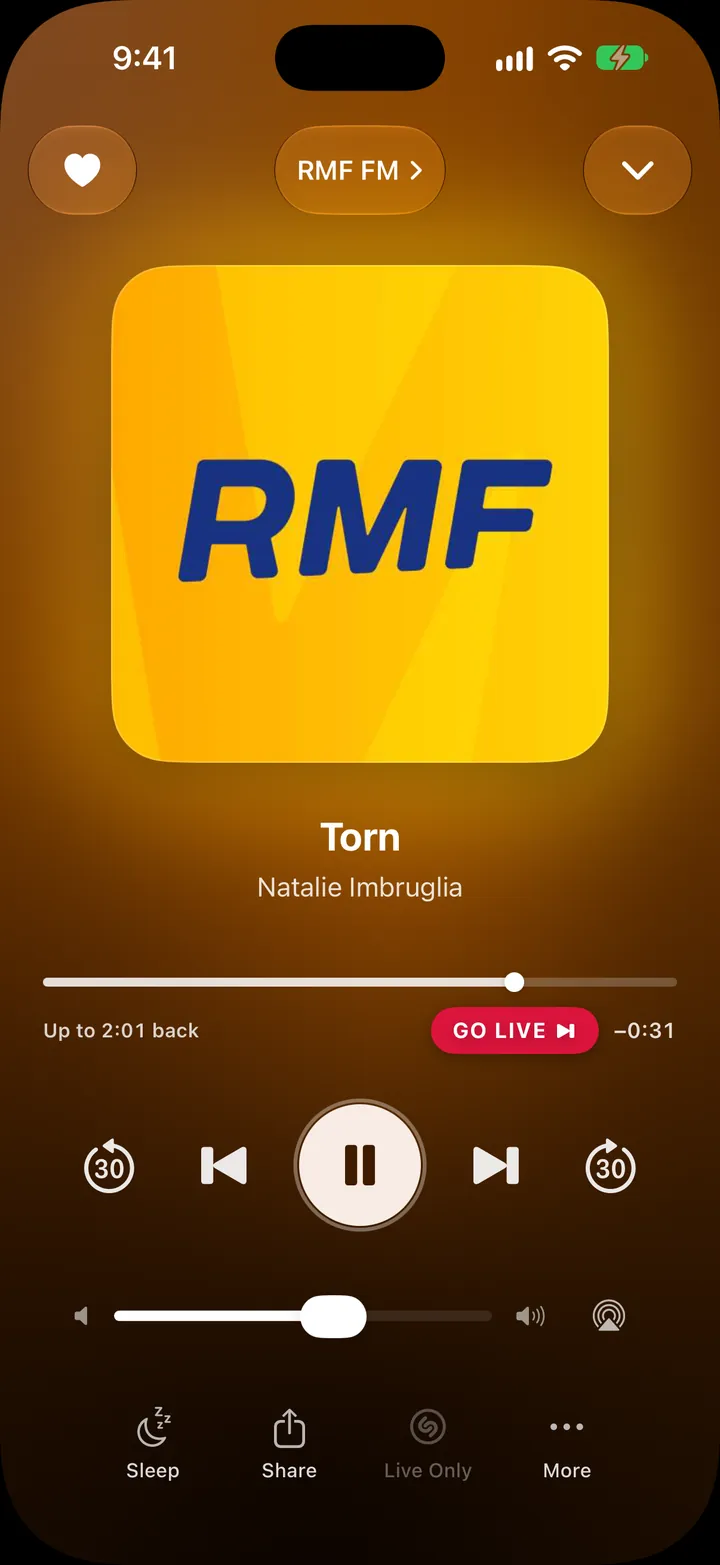
All your stations, and 250 more
Made just for Polish stations, with rewind, song history, alarms, and Siri built in.
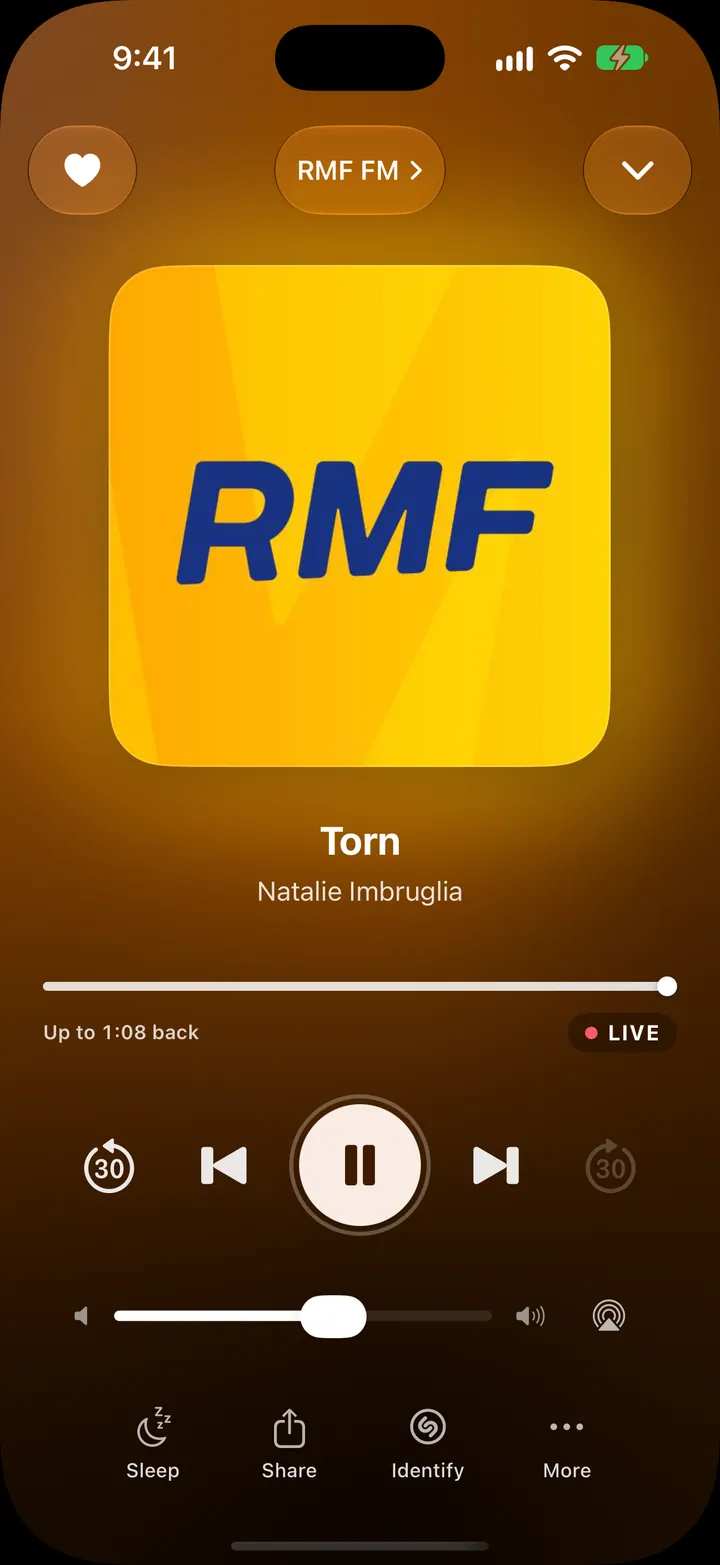
Missed the traffic report or the start of a song? Go back. RadioPL keeps the last 30 minutes of the station you’re listening to.
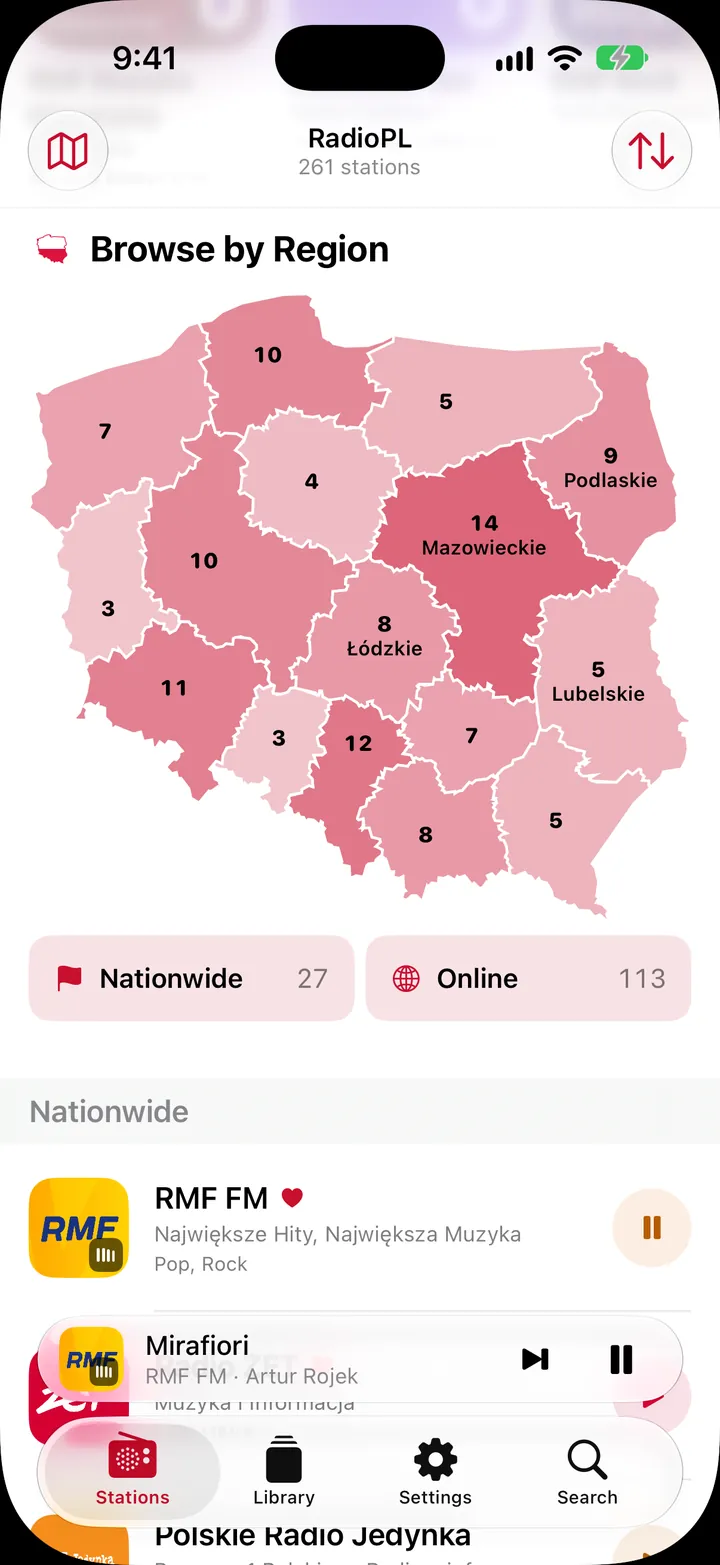
261 stations in one place: the big nationwide brands, every regional Polskie Radio station, local and student broadcasters, and over a hundred online channels.
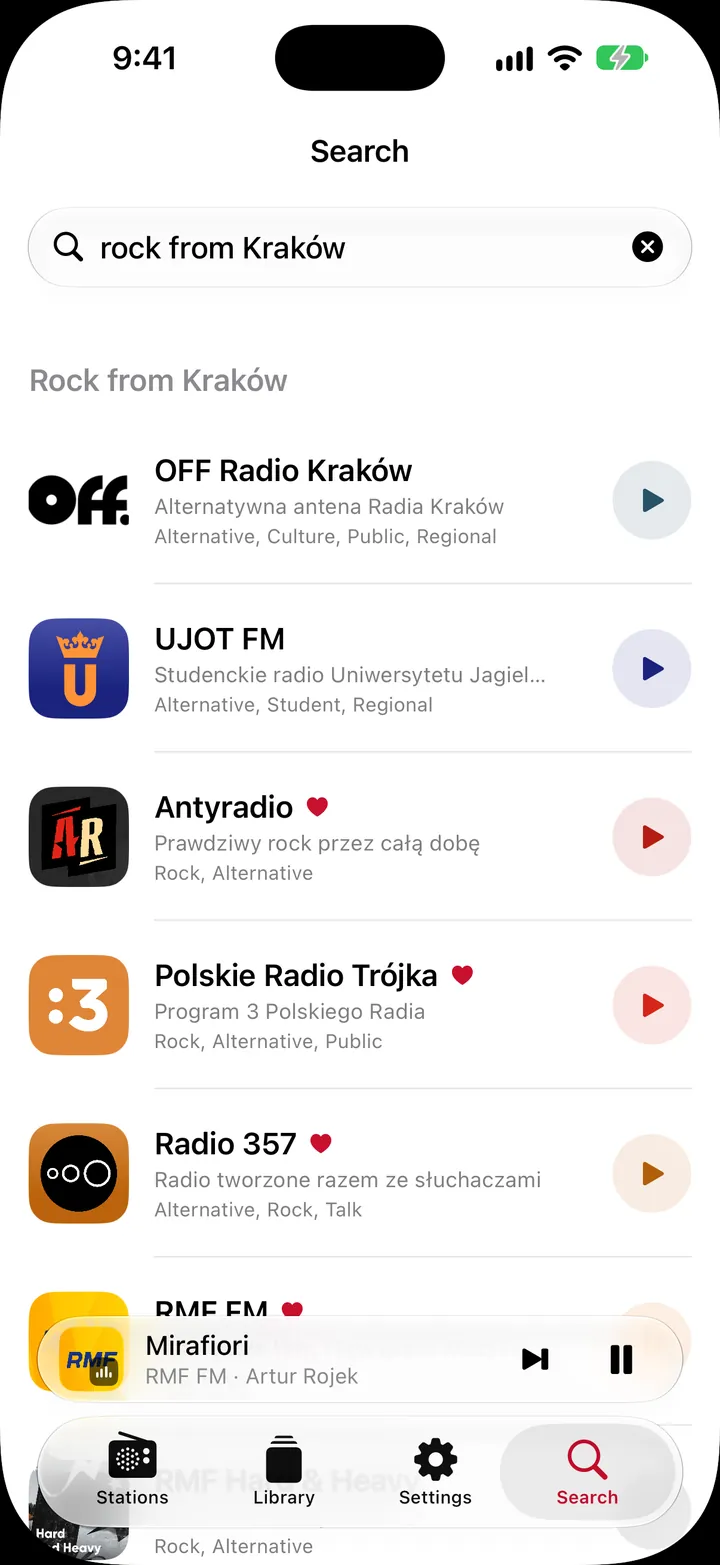
Type a station, a city, or a song you heard. Or describe it: “rock from Kraków”, “something calm for work”, “news from Gdańsk”. With Apple Intelligence, RadioPL adds its own picks, worked out entirely on your device.
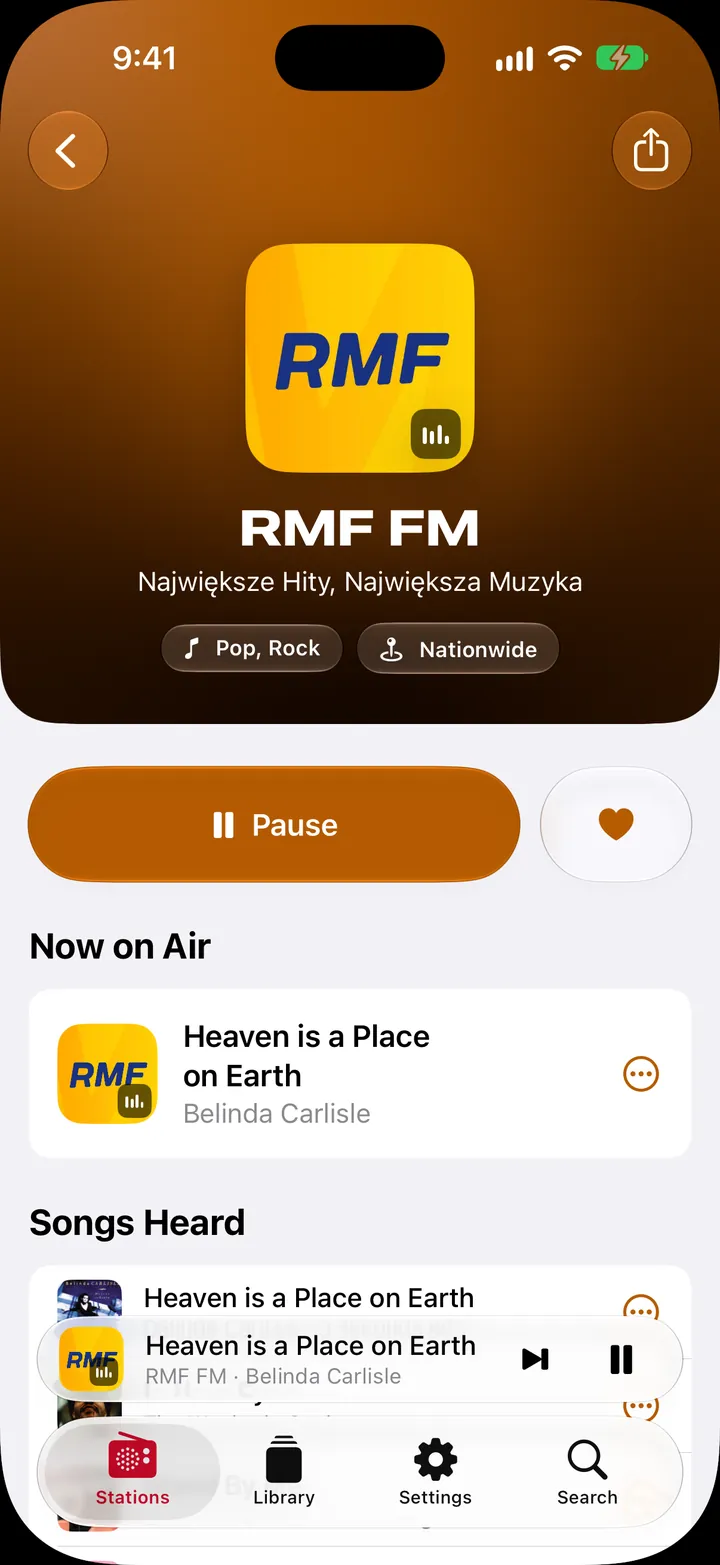
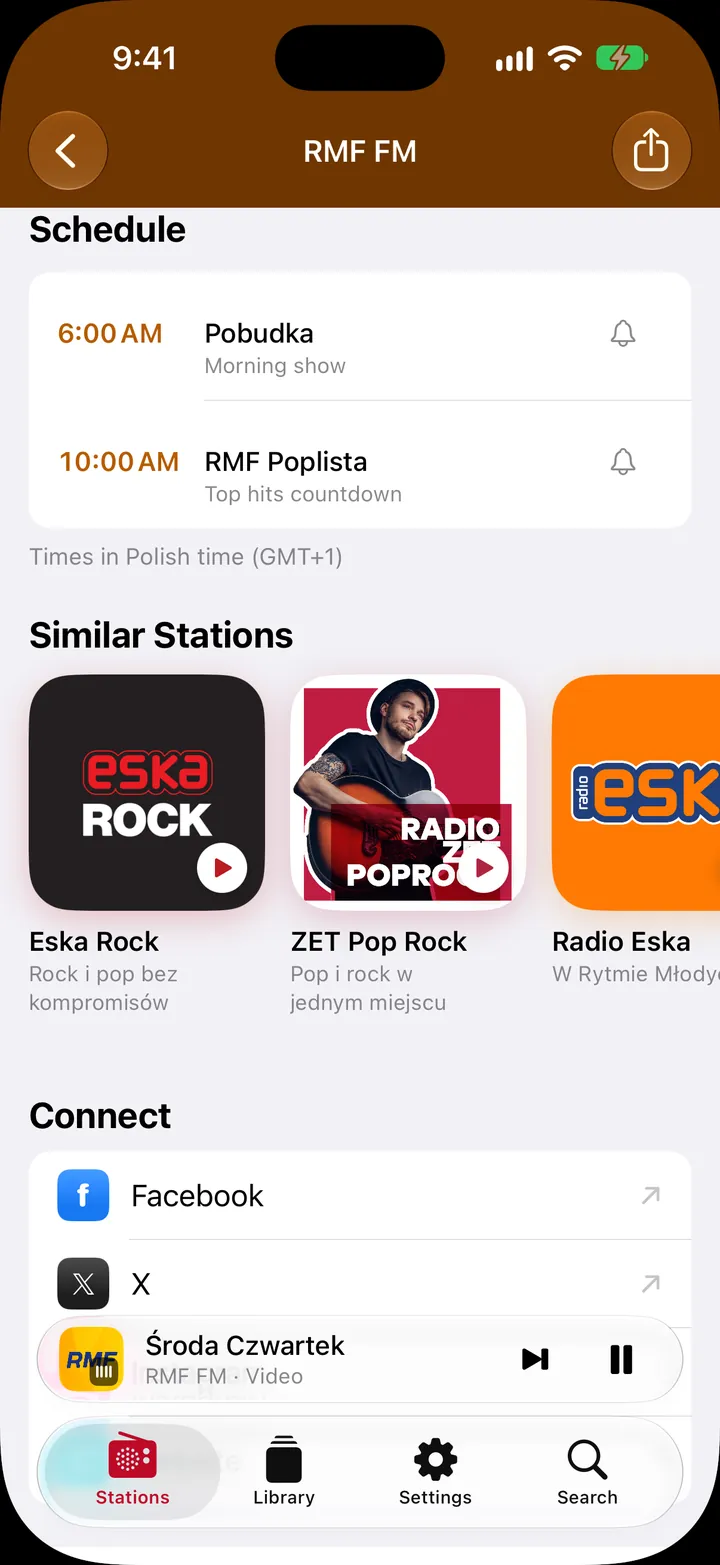
Every station has its own page with what’s on air now, today’s schedule where the station publishes one, the songs you’ve heard there, and similar stations to try next.
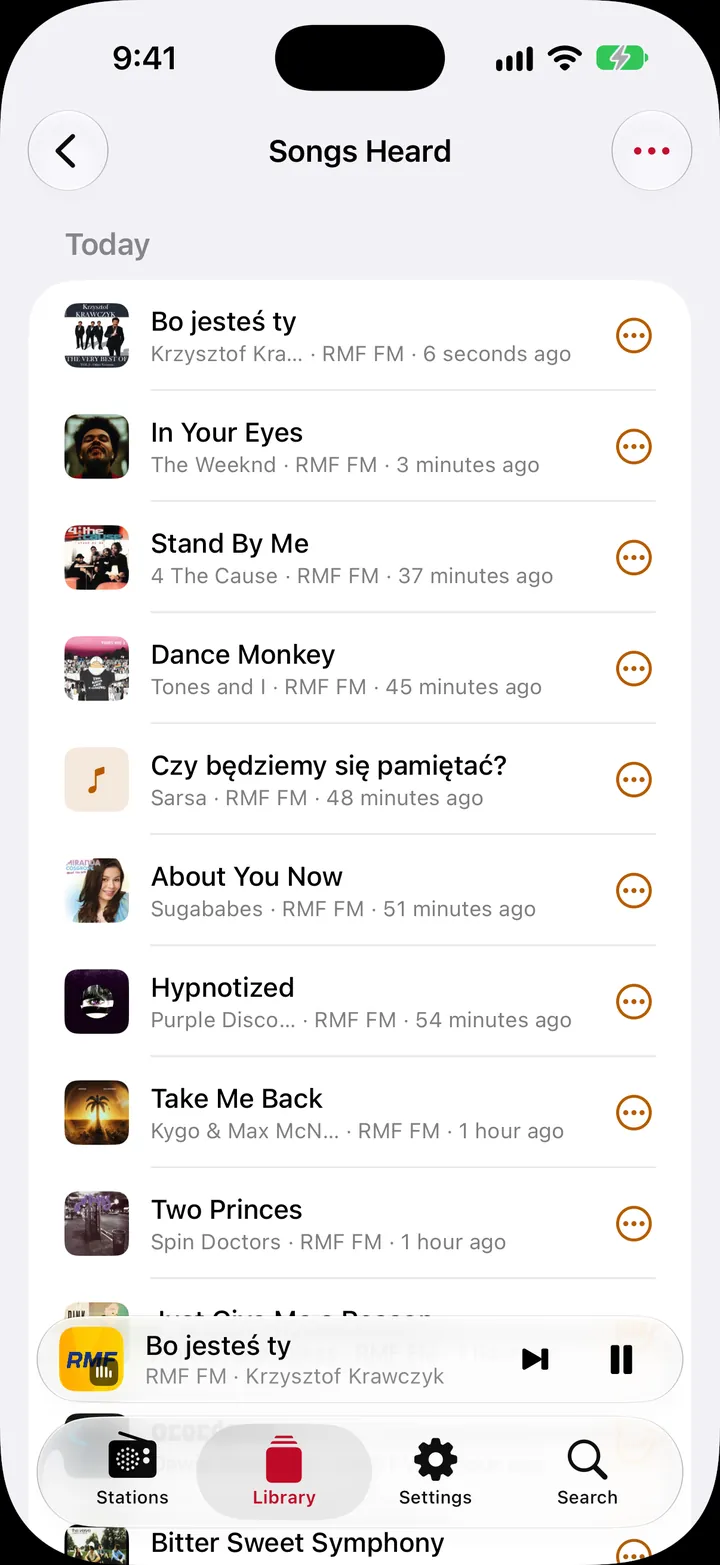
RadioPL keeps a list of every song you hear, day by day. If a station doesn’t say what’s on, tap Identify and Shazam will tell you.
Favorites become numbered presets, so “preset 1” always means the same station, on your phone, in the car, and with Siri.
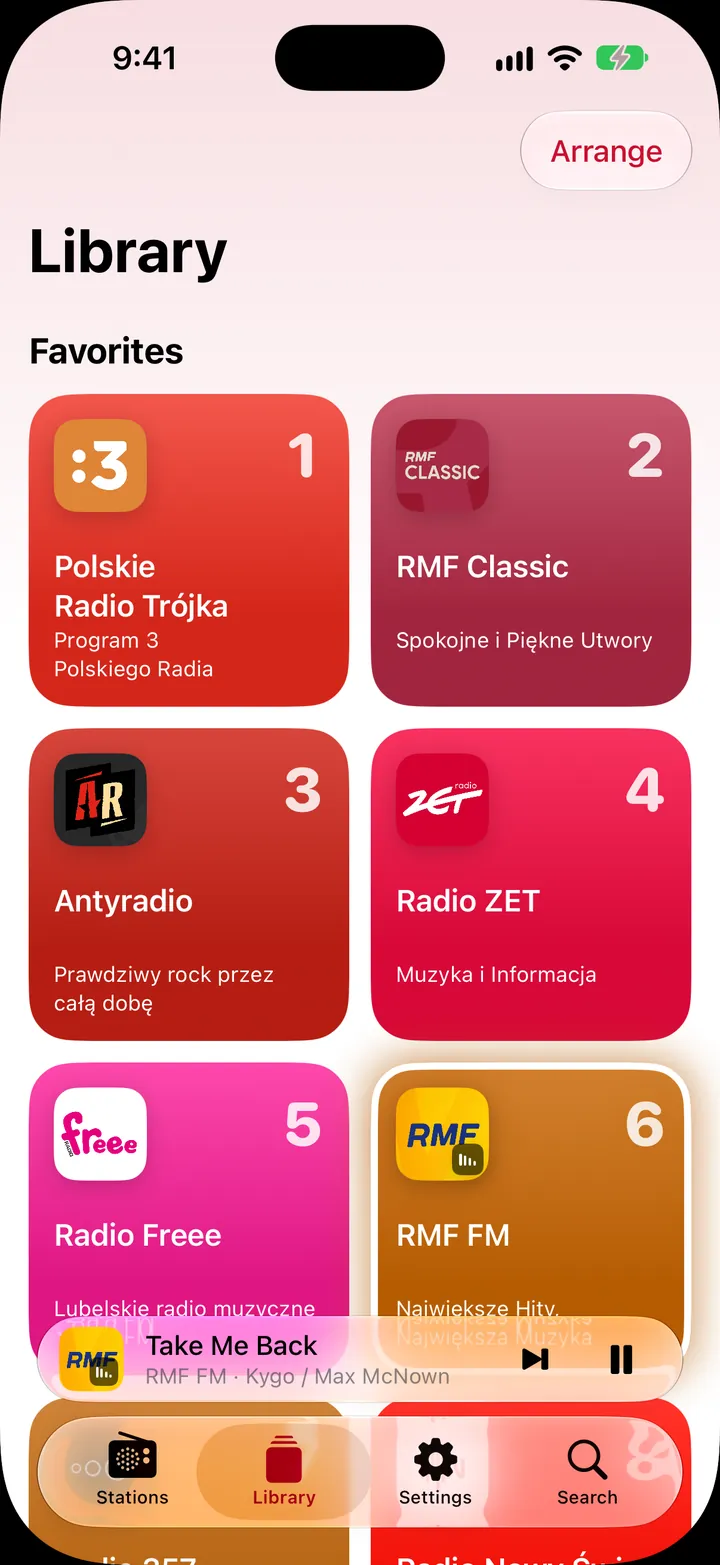
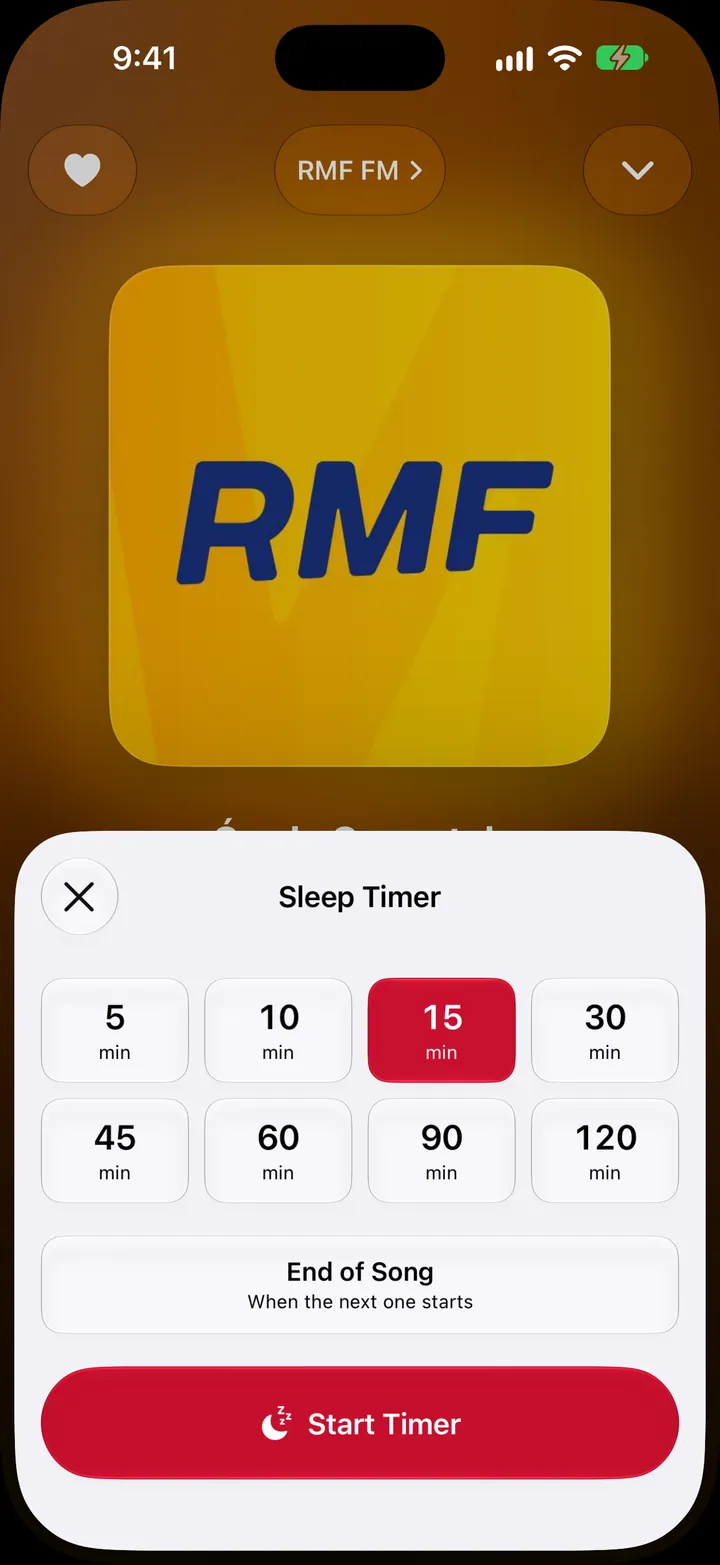
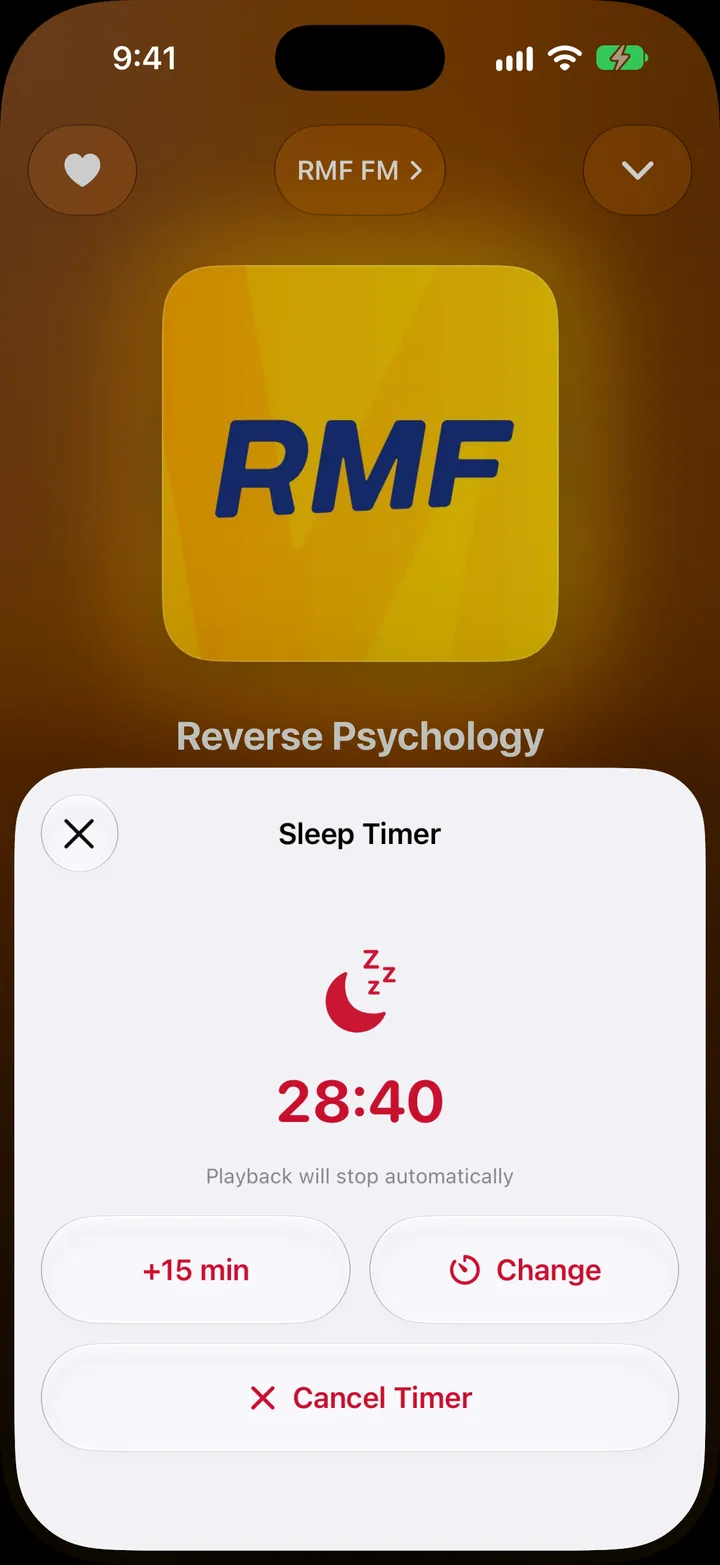
Set up to 10 alarms that start a station and gently fade in. At night, the sleep timer stops the radio after a set time, at the end of the song, or when the show ends.

Widgets, CarPlay, AirPlay, SharePlay, and more, so the radio is always a tap away.
Start the radio from the Home Screen, Lock Screen, StandBy, Control Center, or the Action button.
Presets, recent stations, and every region on the car’s screen, plus Shazam and the sleep timer.
Listen together on a FaceTime call, or share a link or a picture sized for a story or a post.
Favorites, history, and your own stations follow you, and Handoff lets another device pick up the station.
Send the radio to a HomePod, an Apple TV, or any AirPlay speaker in the house.
Missing a station? Add it with its stream address. It syncs to all your devices, Apple TV included.
Fully in both languages, so it works for you and for the family member who’s still learning.
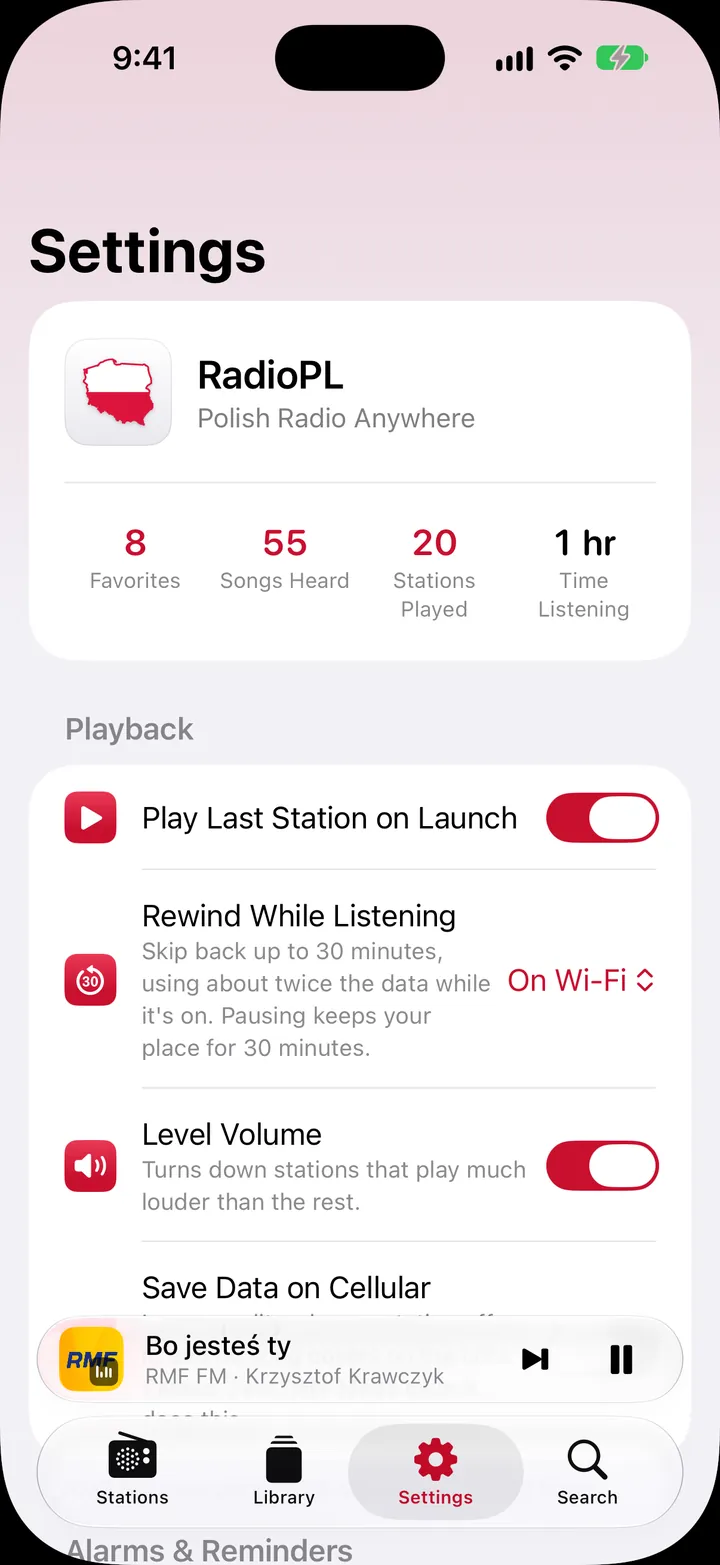
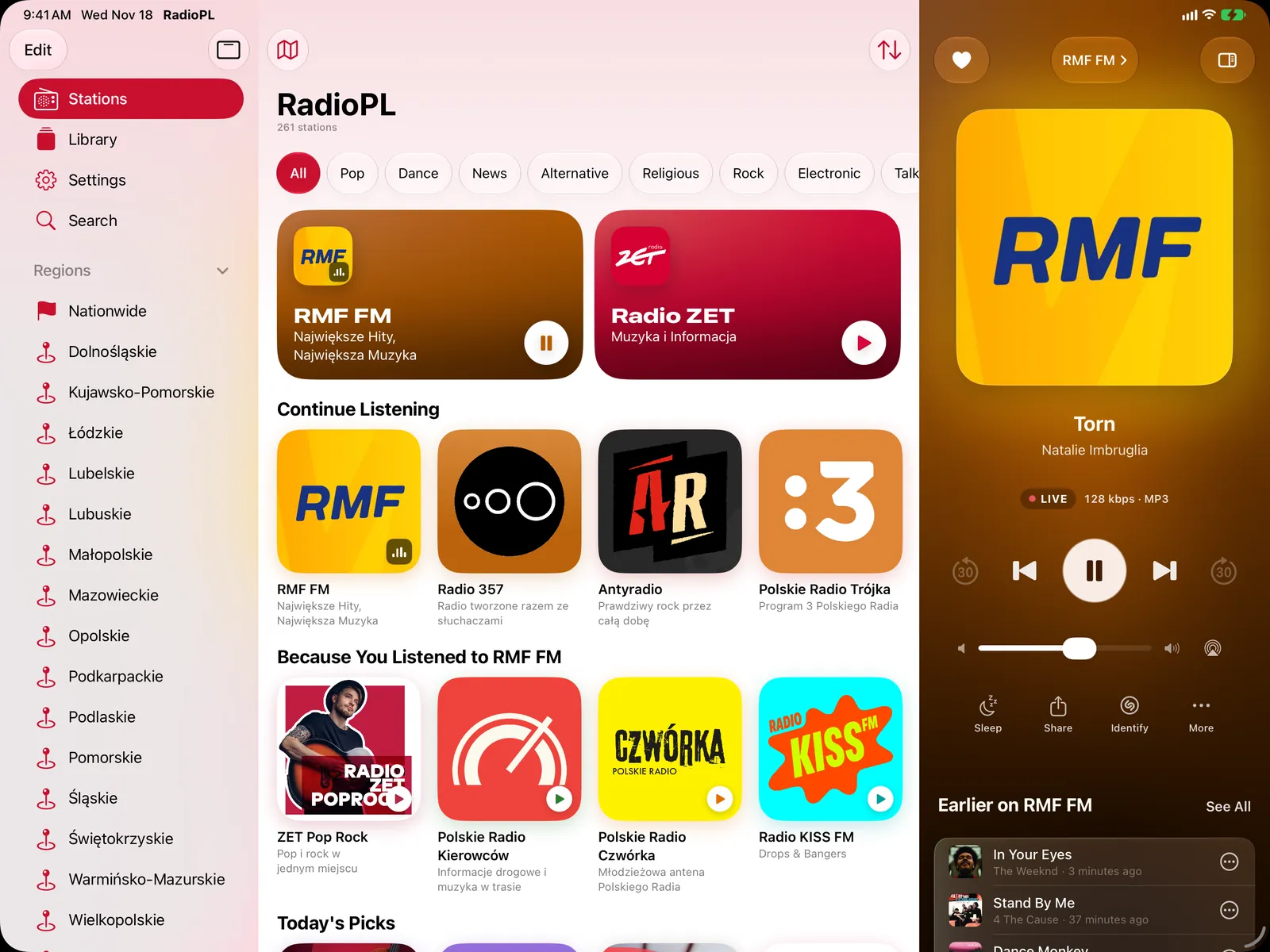
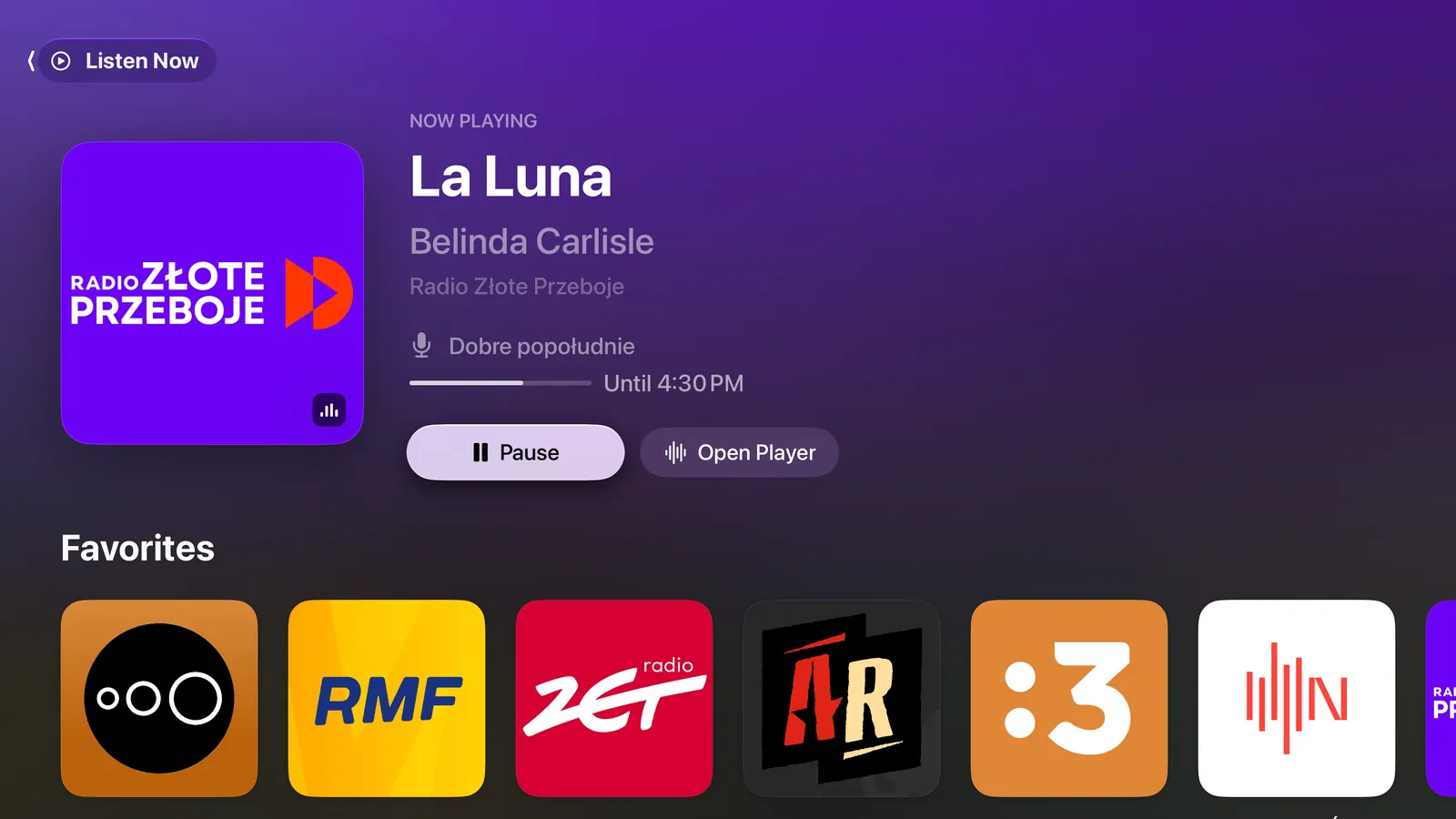
Real screenshots from the app. Tap any screenshot on this page to see it larger.
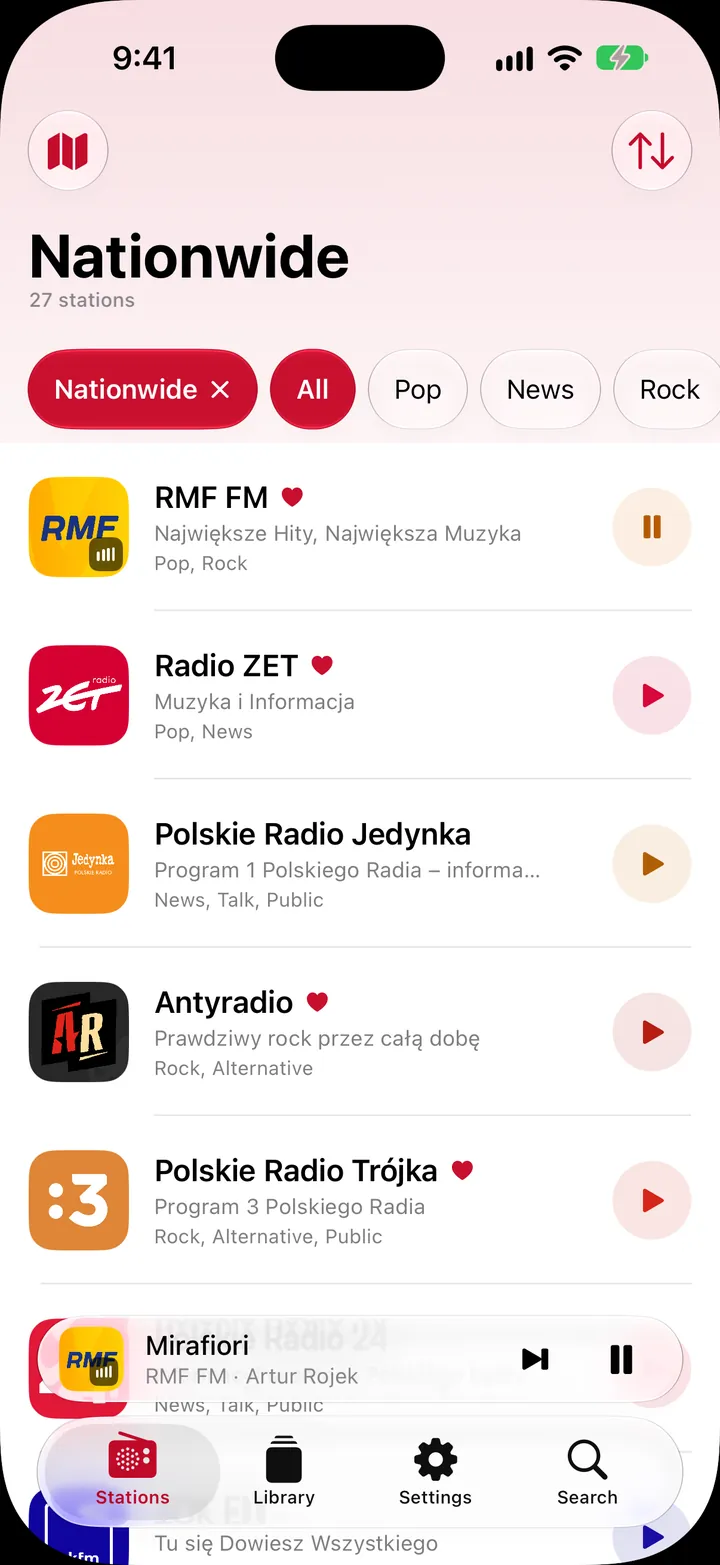

Regions in the sidebar, your stations in the middle, and the player open right beside them.
RadioPL for Apple TV turns the living room into a radio, with a TV-style guide to what’s on and a clock for the whole room.
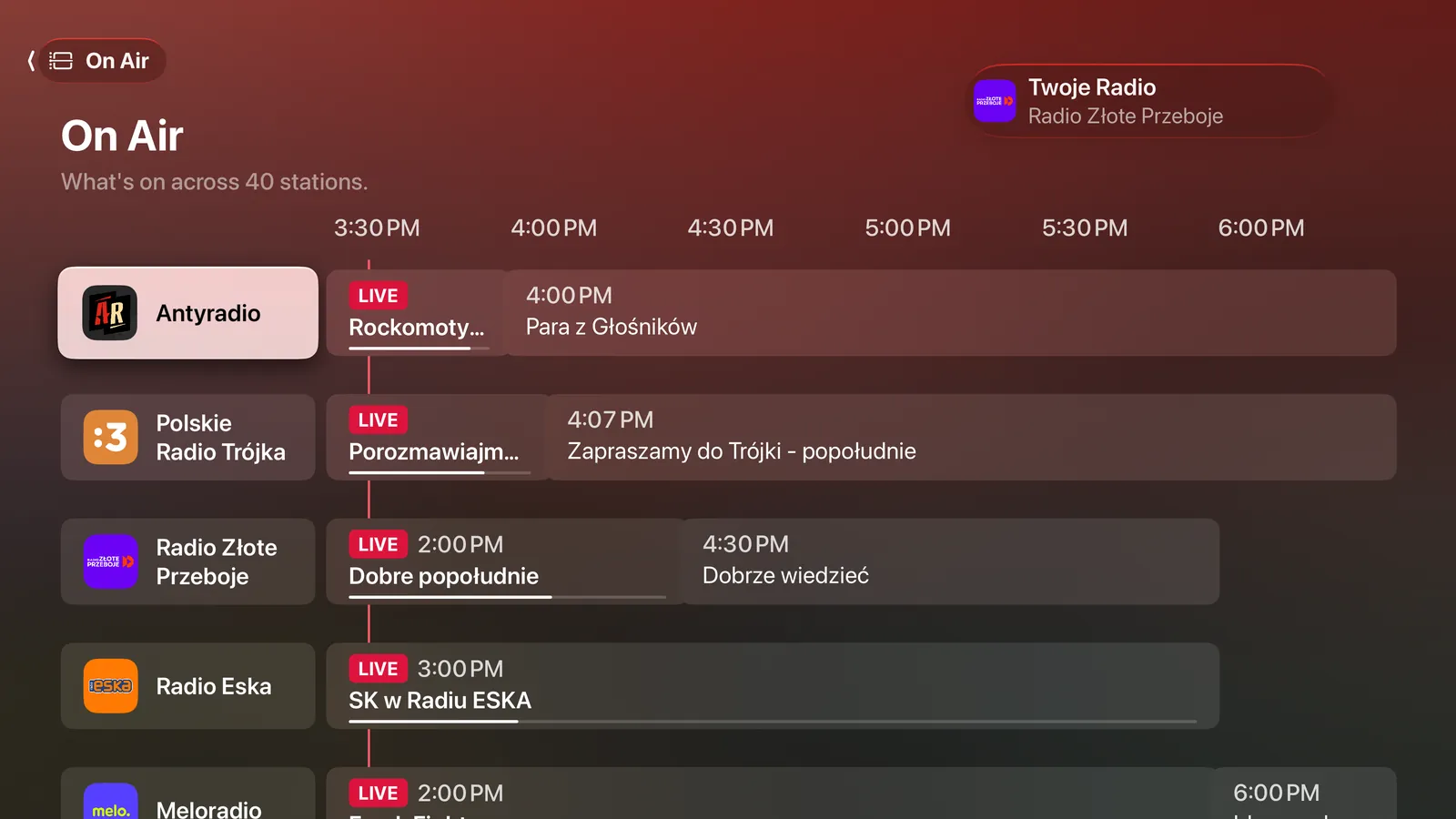
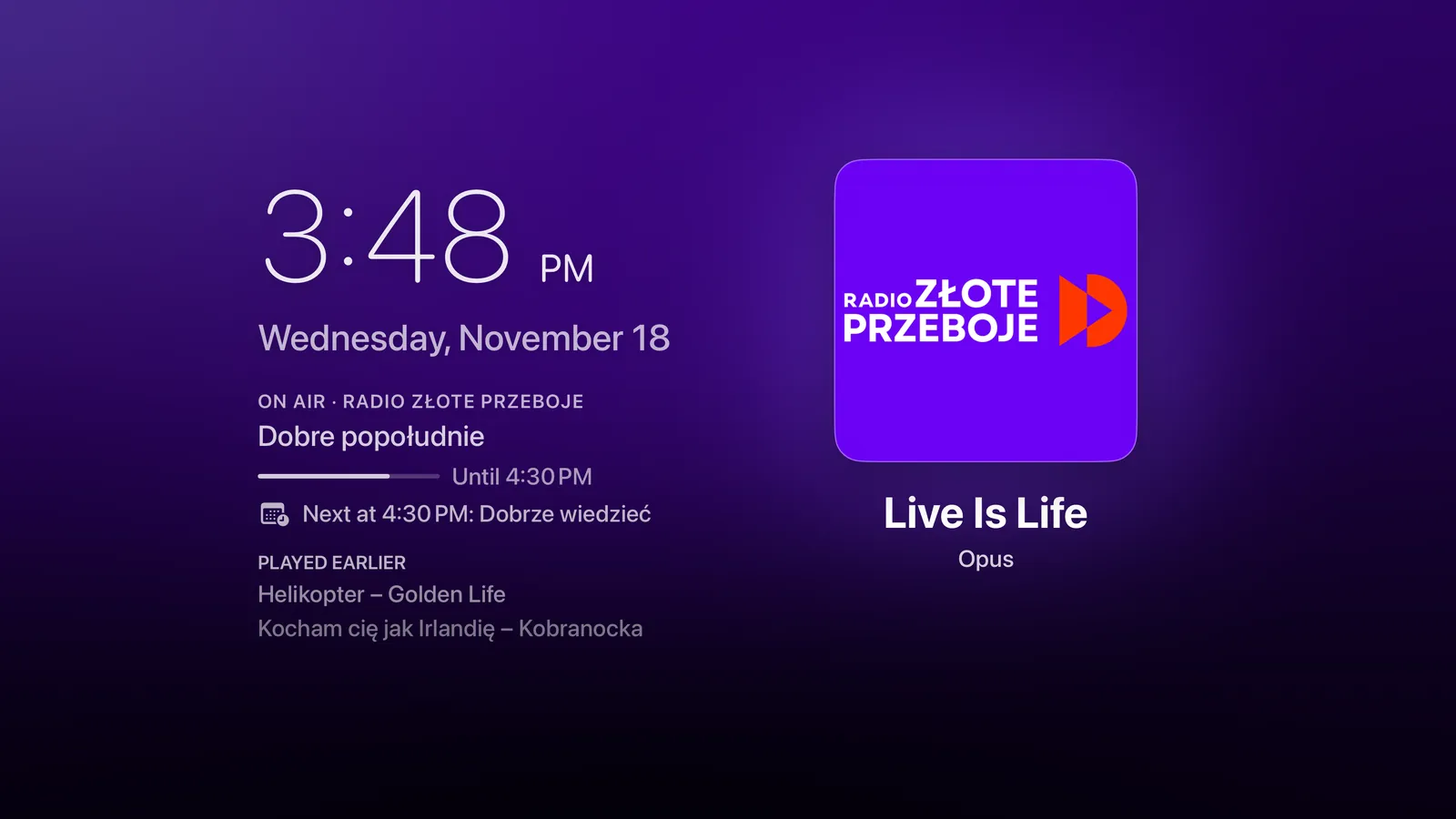
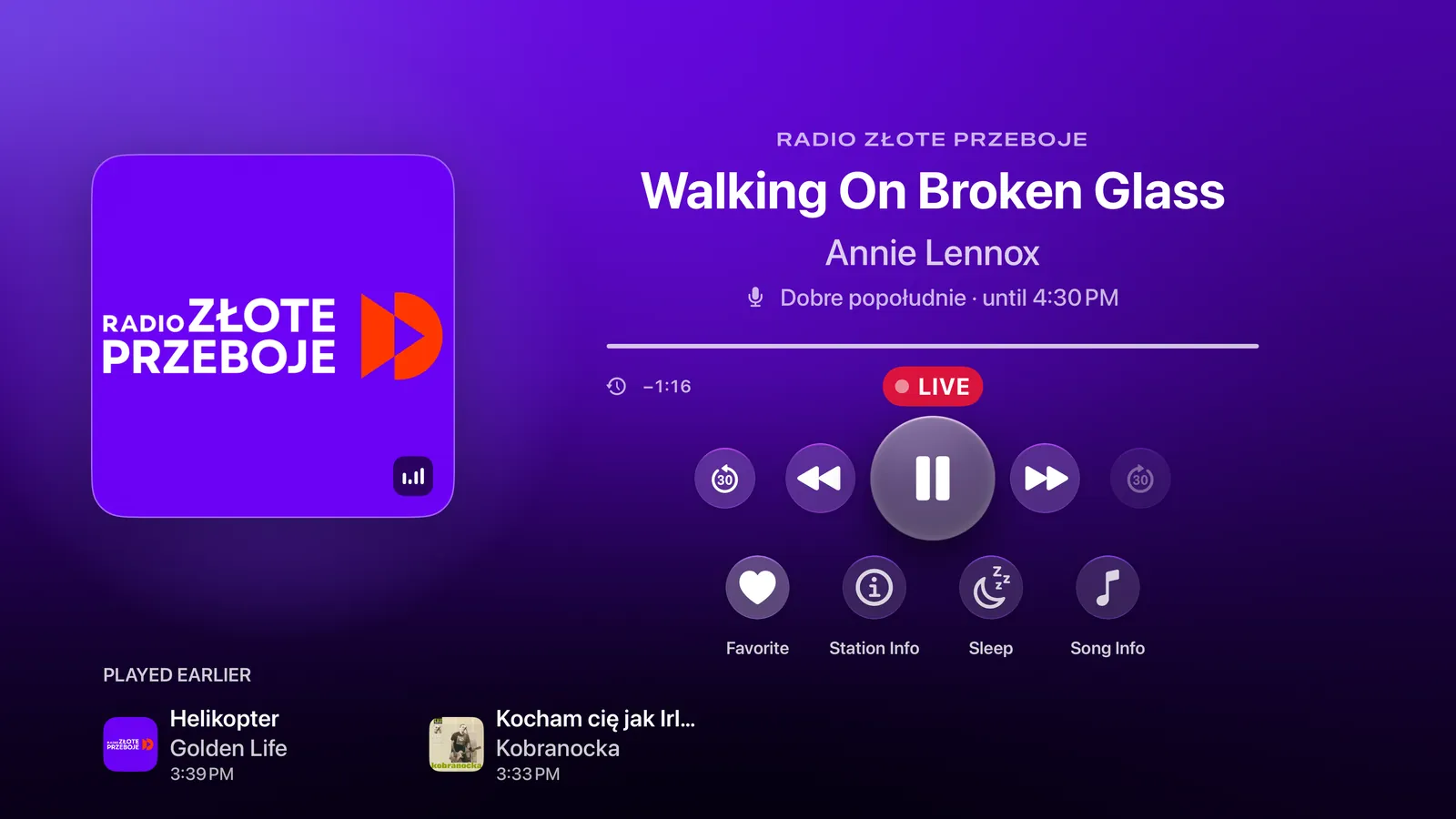
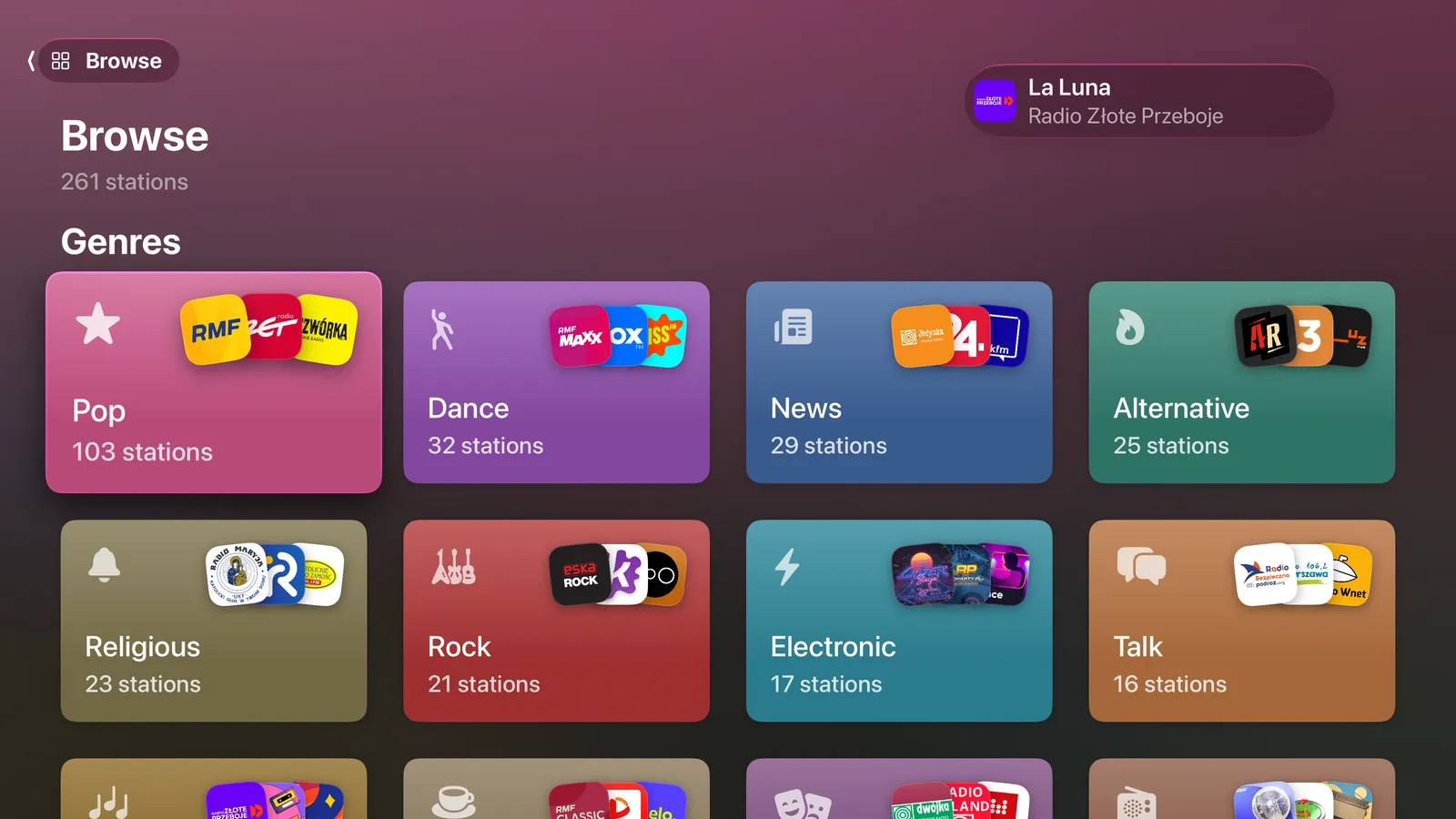
RadioPL doesn’t need to be open. Siri works from the Lock Screen, with AirPods, and in the car.
RadioPL has no accounts and no servers of its own. I don’t collect anything about you.
And no subscriptions. Tips are optional and unlock nothing.
No analytics, crash reporters, or third-party SDKs.
Shazam listens to the radio stream itself, never to the room you’re in.
I’m Szymon Stephan-Sikora, an independent developer. RadioPL has no ad network behind it and no server collecting what you play.
One free download covers iPhone, iPad, CarPlay, and Apple TV.
Wake-up alarms and Apple Intelligence picks need iOS 26. Everything else works from iOS 18.6.
A question, a station that won’t play, or an idea? Write to me at hello@szymonstephansikora.com. I read every message.
Yes. There are no ads and no subscriptions. If you enjoy the app, you can leave a tip in Settings, but it doesn’t unlock anything. Every feature is free for everyone.
Broadcasters change their stream addresses from time to time. RadioPL tries backup streams on its own, but if a station still won’t play, tap Report Station in the player or Station Not Working? on the station’s page. I’ll fix it in an update.
Yes. If you know its stream address, add it in Library → My Stations. It syncs to your other devices, Apple TV included. You can also suggest it for everyone in Settings → Send Feedback → Suggest a Station.
RadioPL keeps the last 30 minutes of the station you’re playing in memory, so you can go back. That uses about twice the data while you listen, so by default it only records on Wi‑Fi. You can change this in Settings → Rewind While Listening. A few stations don’t support rewind.
No. When you tap Identify, RadioPL takes about 12 seconds of the radio stream and sends Apple’s Shazam service a signature of it. RadioPL never asks for microphone access.
Apple TV has the On Air guide, the clock screen, and Top Shelf. Rewind, Shazam, the sleep timer, and SharePlay work there too. Wake-up alarms and adding your own stations are on iPhone and iPad only, but stations you add there show up on Apple TV.
Wake-up alarms use Apple’s AlarmKit, and the search picks use Apple Intelligence. Both arrived in iOS 26. Everything else works from iOS 18.6.
Check that every device is signed in to the same Apple Account, and that iCloud is on for RadioPL in Settings → [your name] → iCloud. In RadioPL, Settings → iCloud Sync shows the current status. The order of your favorites stays on each device.
Both. RadioPL follows your device’s language. To switch just RadioPL, go to Settings → Language in the app and pick a language on the page that opens.
Free, with no ads, no account, and nothing watching you listen.

On a computer? Point your iPhone’s camera at the code.